


Windows 10 becomes a recommended update for all Windows 7 and Windows 8.1 users, signalling a new phase in Microsoft’s marketing.
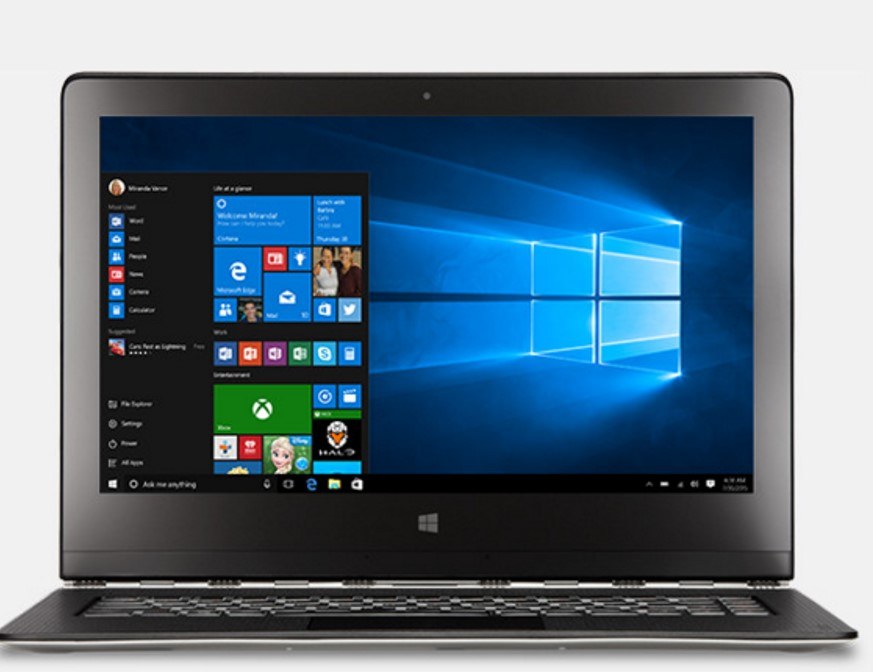
Windows 10 has been slowly making its way onto PCs over the last several months. Much of this is probably thanks to the surprising free-to-upgrade option. This has paid dividends in terms of Windows 10’s percentage of the market. In just six months, it now accounts for 11.9 percent of global desktop operating systems. In January, Windows 10 passed the market share of both Windows XP and Windows 8.1. Windows 7 remains ahead by a wide margin, however, at 52.5 percent. In October, Microsoft announced a new plan to accelerate Windows 10’s climb to the top of the market.
This initiative took effect on February 1, when Windows 7 and WIndows 8.1 users saw their Windows 10 upgrade options change from “optional” to “recommended.” This is more than a shift in verbiage, however, as it affects how users receive and install the Windows 10 update. Those with automatic updates enabled might see the Windows 10 upgrade all on its own, though they won’t move fully to the new system without specifically choosing to do so. For users with the “give me recommended updates the same way I receive important updates” option selected, the automatic update process won’t initiate. Similarly, folks who have disabled automatic upgrades using Group Policy settings or the registry edit won’t automatically be upgraded to Windows 10. All in all, users of earlier versions of Windows won’t have to upgrade to Windows 10 unless they choose to – the system-wide upgrade must be initiated by the user. Even then, new Windows 10 users can roll back to a previous operating system for 31 days after installation.
Most Windows users, however, will have some Windows 10 code on their machines no matter what. Despite some complaints, Microsoft will continue its policy of downloading part of the Windows 10 code to users’ machines to make upgrading faster.
What do you think about Microsoft’s new OS strategy for Windows 10? Let us know in the comments below!
If you’d like to explore more on the latest goings-on in IT or learn more about our company, please visit our website. trueITPros can help with your business’s IT service, website design, and Internet marketing needs. Feel free to share your thoughts on our service by leaving a review through Google or on our Facebook page. Hearing from you helps us deliver the best customer experience possible!